


Most people underestimate their own spending in at least one category — usually food, subscriptions, or shopping — until they actually track it. Tracking spending means recording what you actually spend, sorting it into categories, and reviewing the pattern on a schedule. It's the step that turns a budget from a guess into a plan grounded in reality.
- Tracking answers "what actually happened"; budgeting answers "what should happen" — you need both.
- Choose between manual tracking (more awareness, more effort) and automated tracking (less effort, needs periodic checking).
- Keep it to 8-15 categories — enough detail to be useful, not so much it becomes a chore.
- Track for at least 30 days, ideally 60-90, to catch expenses that don't happen every month.
- The review is where tracking pays off — data nobody looks at doesn't change anything.
Why tracking comes before (or alongside) budgeting
A budget built purely from memory tends to underestimate a few categories — usually the ones with lots of small transactions (coffee, delivery fees, app subscriptions) rather than one big number. Tracking closes that gap by showing what was actually spent, not what felt like it was spent.
- If you're building a budget for the first time, tracking for 30 days before finalizing categories gives you real numbers instead of guesses.
- If you already have a budget that never seems to match reality, tracking is usually the missing piece — not a sign the budget itself is wrong.
Method 1: Manual tracking
Manual tracking means logging each purchase yourself, in whatever tool you prefer.
How it works:
- Log each purchase (app, spreadsheet, notebook) as it happens, or reconstruct it weekly from receipts and statements.
- Assign each entry a category as you go.
- Total each category at the end of the period.
Trade-offs:
| Manual tracking | |
|---|---|
| Pro | Builds strong day-to-day awareness of spending in the moment |
| Pro | Works with any tool, no account-linking required |
| Con | Requires ongoing discipline; easy to fall behind or forget small purchases |
| Con | More time-consuming, especially for a household with many transactions |
Method 2: Automated tracking
Automated tracking pulls transactions in (from a linked account, an imported statement, or an app) and applies categories automatically, which you then review and correct.
How it works:
- Transactions populate automatically instead of being typed in one by one.
- Categorization rules apply automatically based on the merchant, with manual correction for anything miscategorized.
- Totals and trends are visible without manual math.
Trade-offs:
| Automated tracking | |
|---|---|
| Pro | Captures every transaction without relying on memory |
| Pro | Saves significant time versus manual entry |
| Con | Auto-categorization isn't perfect and needs periodic review/correction |
| Con | Less moment-to-moment awareness since entries appear after the fact, not at the point of purchase |
Note
Plenty of people use both: automated tracking for the bulk of transactions, with a manual habit (a weekly five-minute review) layered on top to catch miscategorized or cash spending.
Build categories that actually mean something
Categories are only useful if they're specific enough to reveal a pattern but broad enough not to become a chore to maintain.
A workable starting set (8-15 categories):
- Housing, utilities
- Groceries
- Dining out / takeout
- Transportation (gas, transit, maintenance)
- Insurance
- Debt payments
- Subscriptions/memberships
- Shopping (general)
- Personal care / health
- Entertainment
- Savings/investing (yes — tracking money moved to savings counts too)
- Miscellaneous / other (should stay small — a large "misc" total means categories need adjusting)
Sort every category further into needs and wants once you have a few months of real data — that split is often more revealing than the category totals alone, since it shows how much spending is actually flexible.
Tip
If "miscellaneous" keeps growing, it's a sign one or two real categories are missing (a subscriptions category, a pet category, a kids' activities category) rather than a sign tracking has failed.
The review: where tracking becomes useful
Data that's never reviewed doesn't change anything. The review is the actual point of tracking.
- Weekly: a quick glance — any category already tracking high for the month?
- Monthly: total each category, compare to the budget (or to last month if there's no budget yet), and note the two or three categories with the biggest gap between expectation and reality.
- Quarterly: look for drift — a category that's crept up every month for three months straight is a trend, not a blip.
Ask two questions of every category that surprised you: was this a one-time expense, or is it now normal? and does the category need to be split further to see what's actually driving it?
Common mistakes
Watch out
- Tracking for a week and quitting. A week rarely captures a representative month — irregular expenses (a car repair, an annual fee) won't show up.
- Making categories too broad. A single "shopping" category that includes groceries, clothes, and electronics hides which one is actually the problem.
- Making categories too granular. Fifty categories is exhausting to maintain and gets abandoned within weeks.
- Never reviewing the data. Tracking without a scheduled review is just data collection with no purpose.
- Ignoring cash spending. Cash purchases don't show up in linked-account tracking automatically and need to be logged manually or estimated.
A worked example
An illustrative example of a first 30-day tracking period — not a recommendation:
A person assumed their biggest "leak" was dining out. After tracking for 30 days across 10 categories, the totals showed:
- Dining out: $310 (roughly what they expected)
- Subscriptions: $145 (nearly triple their guess of $50 — several forgotten trials had converted to paid)
- Groceries: $420 (higher than expected, driven by frequent small convenience-store trips rather than planned grocery runs)
The review didn't lead to cutting dining out at all — it led to canceling three unused subscriptions (saving roughly $60/month immediately) and shifting convenience-store trips to a single weekly grocery run, which they estimated would trim another $50-$80/month. Tracking surfaced the real leak, which wasn't where they'd assumed.
FAQ
Is manual spending tracking better than an app?
Neither is universally better — manual tracking builds more awareness but takes more discipline, while automated tracking saves time but requires trusting the categorization and checking it periodically.
How many spending categories should I use?
Most people do best with 8-15 categories — enough to see meaningful patterns, but not so many that reviewing them becomes a chore.
How long should I track spending before drawing conclusions?
A full 30 days captures a typical month, but 60-90 days is more reliable since it captures irregular expenses that don't show up every single month.
What's the difference between tracking spending and budgeting?
Tracking records what actually happened; budgeting sets a plan for what should happen. Tracking is the input that makes a budget accurate instead of a guess.
Do I have to link my bank account to track spending?
No. Spending can be tracked by manually logging purchases, saving receipts, or reviewing statements line by line — automatic syncing is a convenience, not a requirement.
Related reading

How to make a budget that actually works
A budget only works if it matches your real income, splits fixed from variable costs, and runs on autopilot. Here's the step-by-step process.
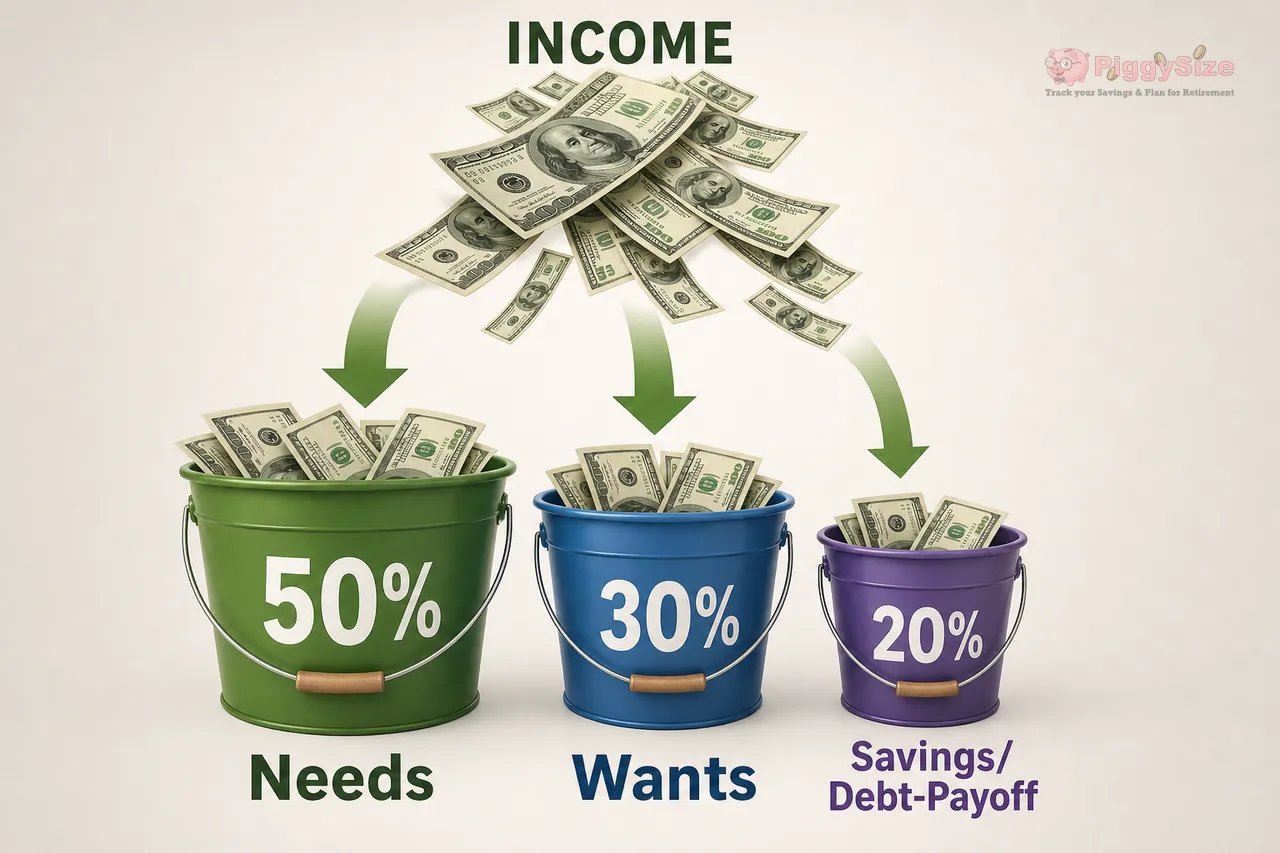
The 50/30/20 budget rule, explained
The 50/30/20 rule splits your take-home pay into needs, wants, and savings. Here's exactly how the math works, a full example, and where the rule breaks down.

How to stop living paycheck to paycheck
Getting out of the paycheck-to-paycheck cycle usually comes down to a small cash buffer, trimming the largest expenses, and a handful of automated habits.
PiggySize is a planning tool, not a financial advisor. This article is educational — projections and examples are estimates, not financial, tax, or investment advice.